The sales channel was in full flow. Someone asked about the Northwind order. Someone else thought it was overdue. A third person said they'd check. Nobody did.
We've all been in that conversation. The answer exists somewhere, in a lead or a contact record, but getting it means leaving the chat, opening other tools and coming back ten minutes later to find the thread has moved on.
Chat that feels like Chat
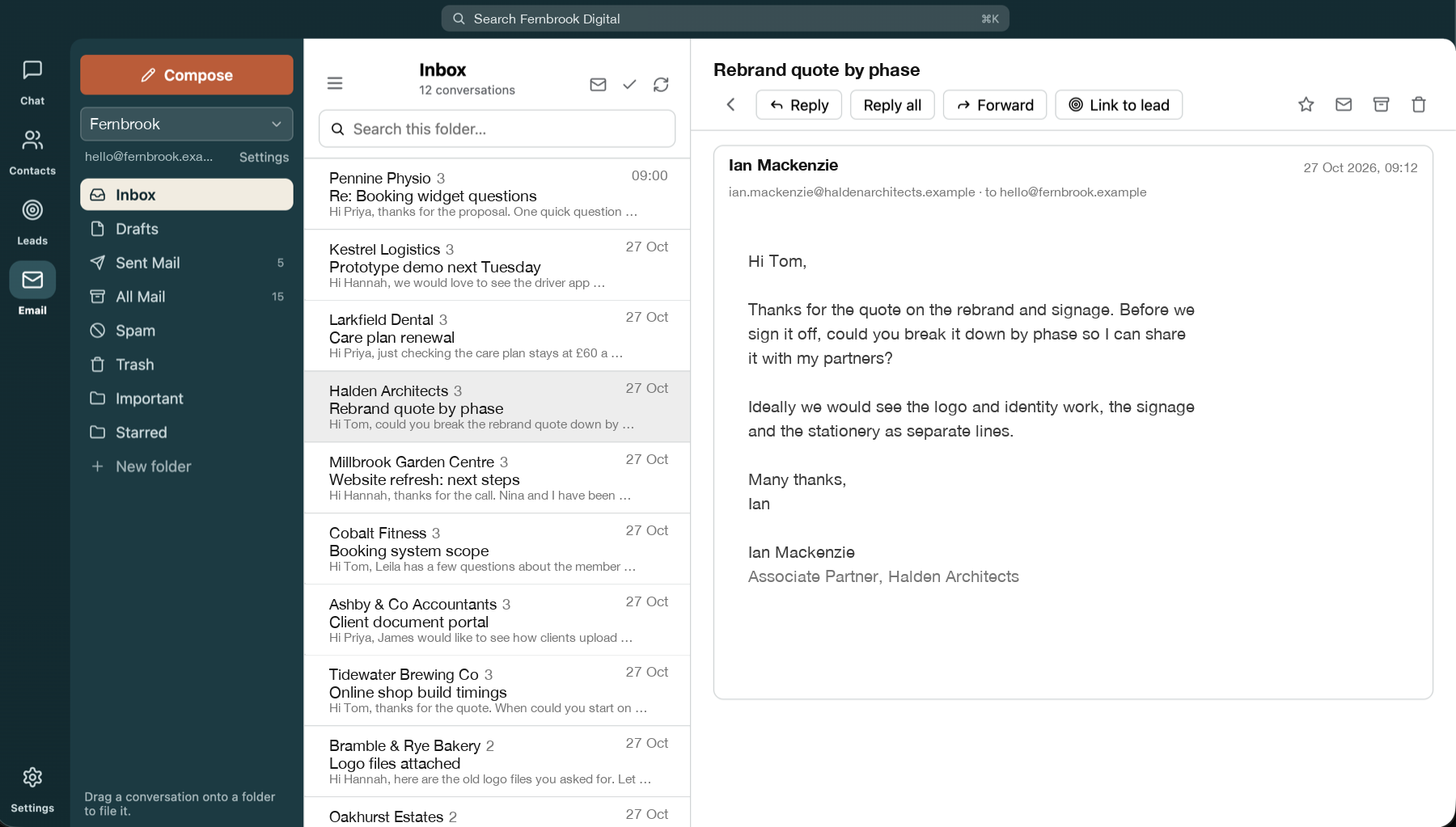
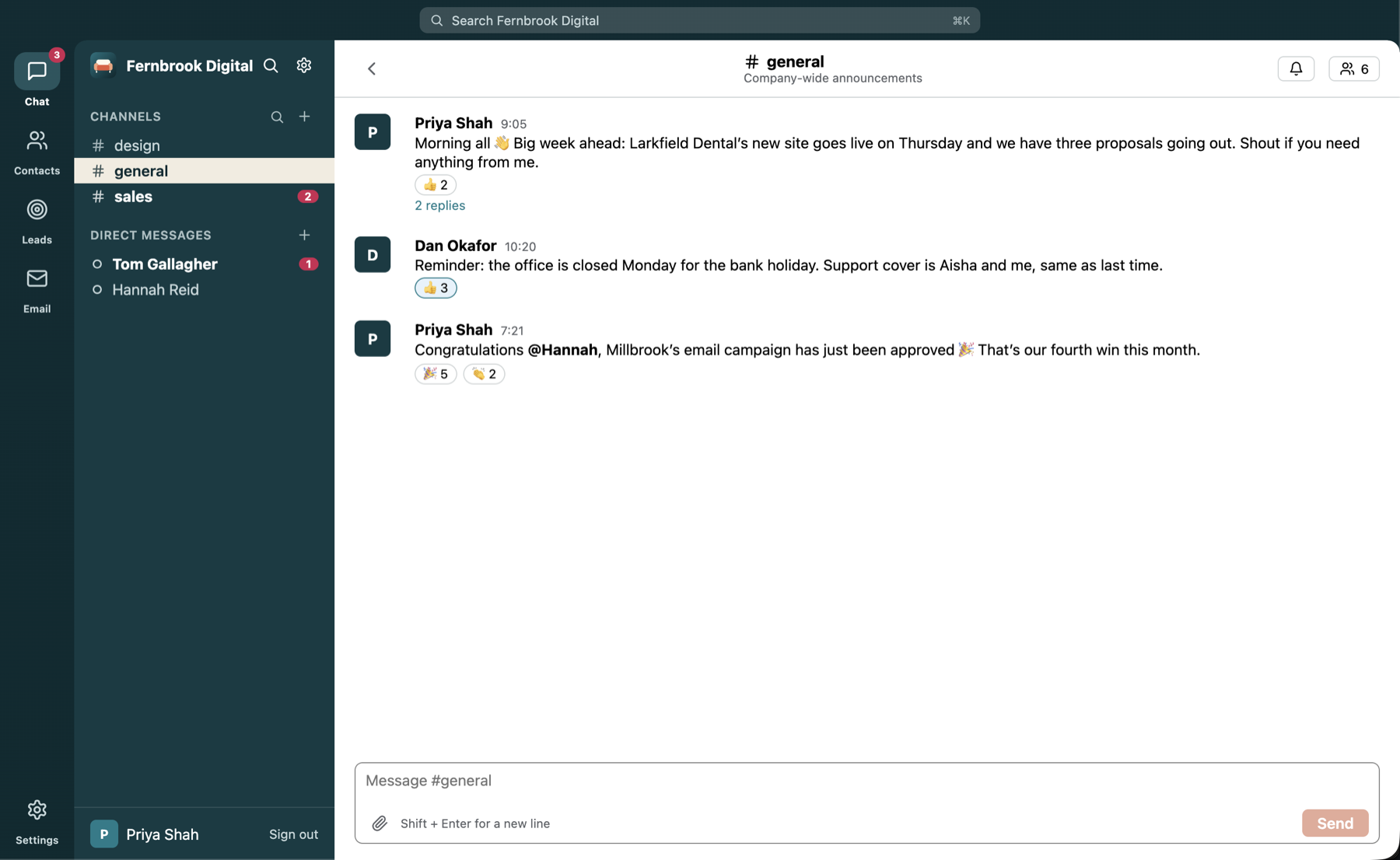
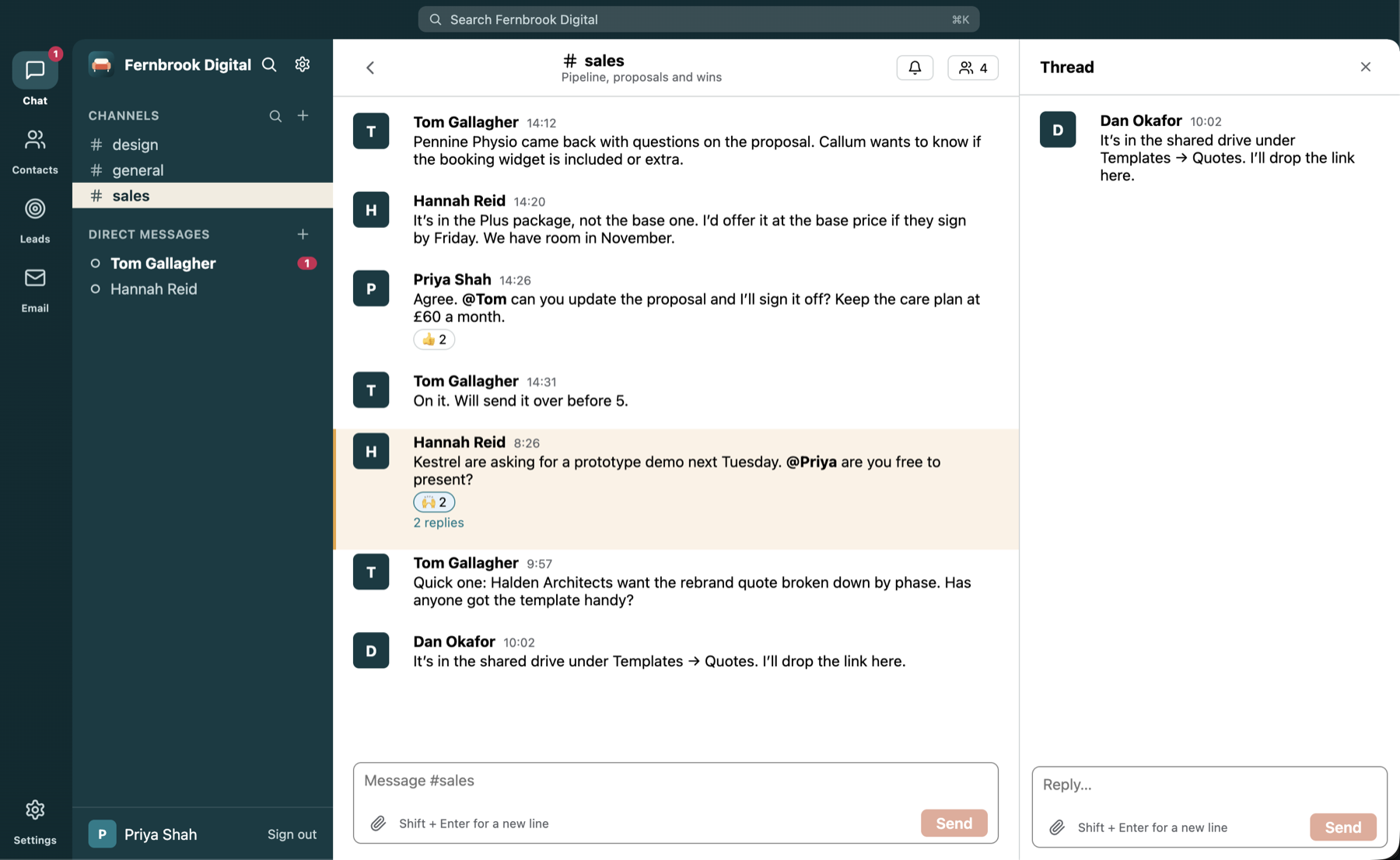
Couchwork's Chat has the things you'd expect: channels, threads, direct and group messages, file sharing, forwarding and search. You can paste in images (and the occasional meme), and preview files without leaving the app. It's the team's front room.
Then someone typed @AI
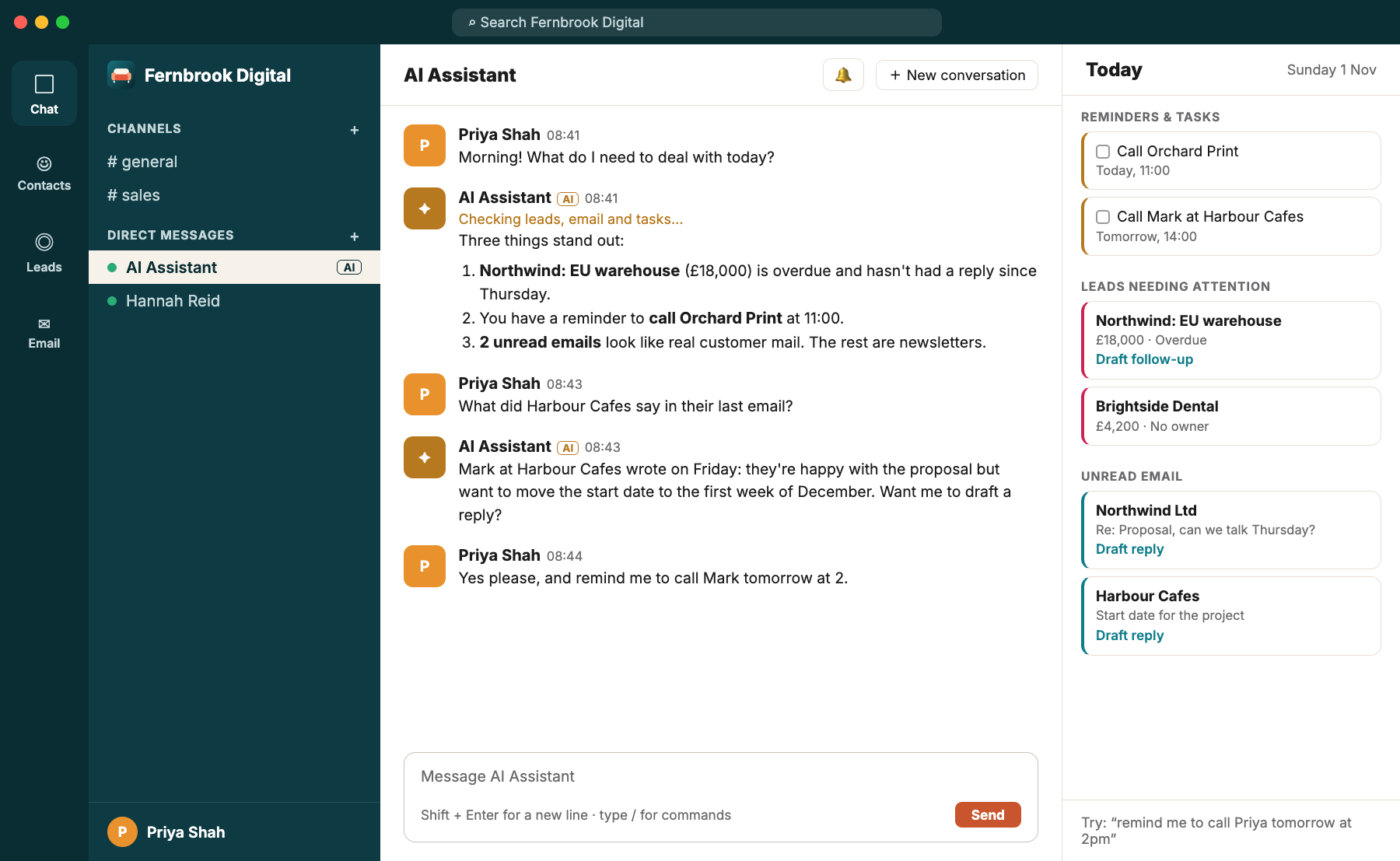
This is where it gets interesting. In any channel or group chat you can mention @AI and the assistant joins in. It replies in a thread under your message, so the channel stays tidy, and it looks things up in your workspace's shared data rather than guessing.
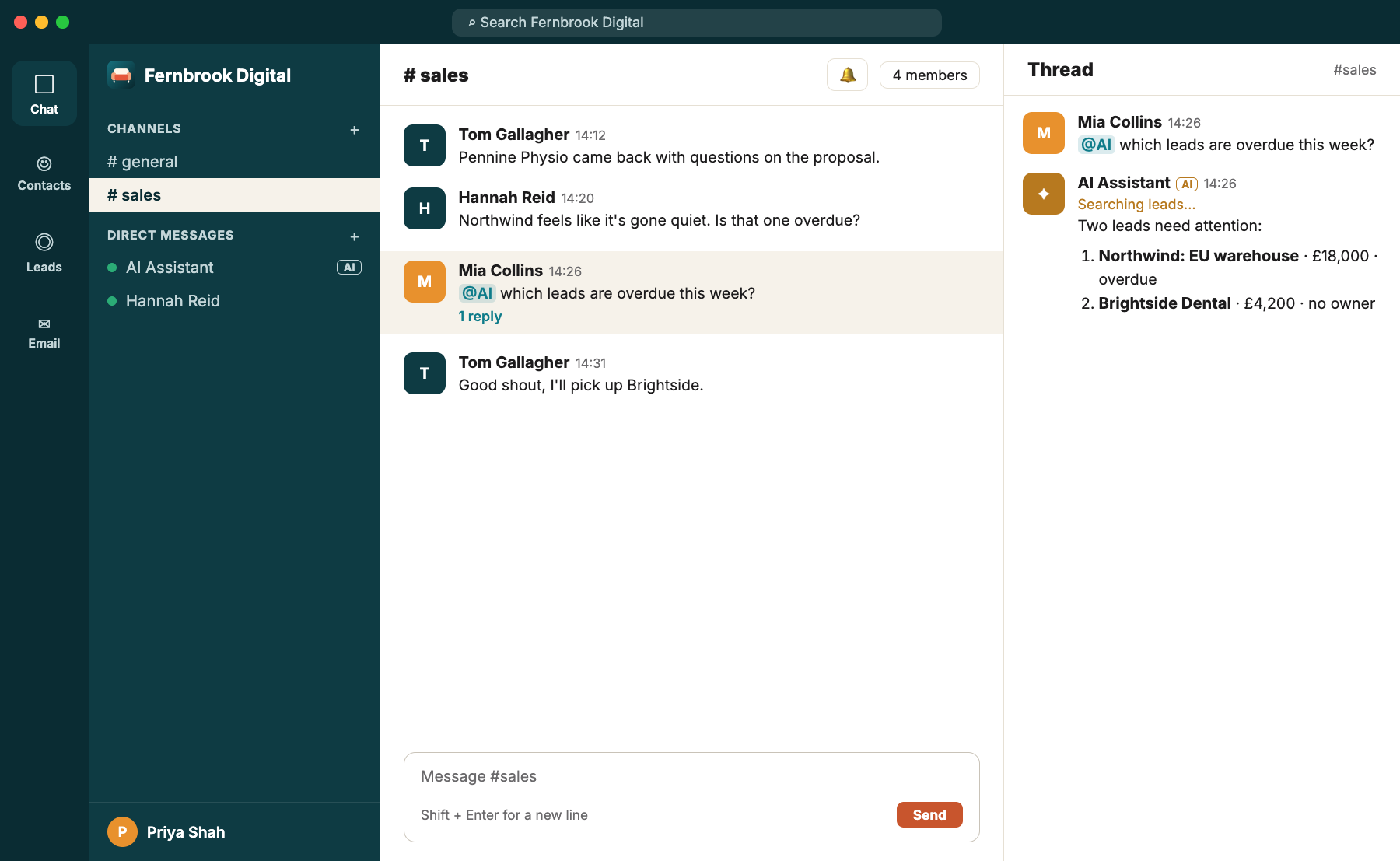
In the sales channel, Mia typed:
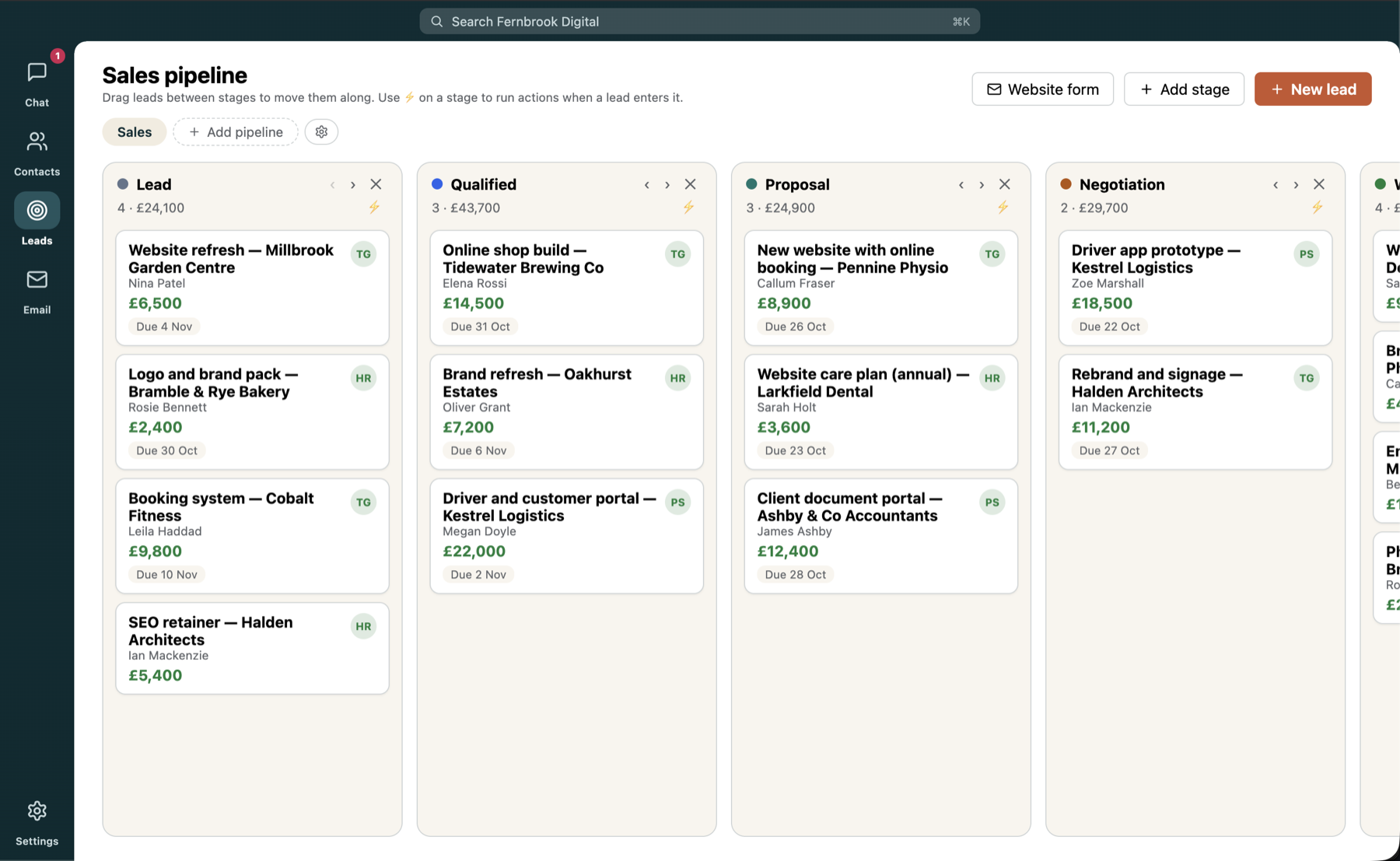
Two leads need attention:
Northwind: EU warehouse · £18,000 · Overdue
Brightside Dental · £4,200 · No owner
The whole channel could see the answer. The argument ended. Someone grabbed Brightside Dental. The conversation carried on, two minutes later and better informed.
"It's like having someone in the room who has read everything and never gets tired of being asked."
What @AI does in a channel (and what it leaves for your private chat)
A channel is shared, so @AI plays it safe there. It can look up shared contacts and leads, as long as your admin has allowed it, and nothing more. It won't touch your email, your personal contacts, your tasks or reminders, or draw sales charts in front of everyone. For that, open your own private chat with the AI. There it can also draft emails for you to review, propose new leads for you to confirm, update your existing contacts and leads, and keep your reminders.
An admin switches the AI on, chooses the provider and decides which areas (contacts, leads, email) it may use, so you stay in control of what it can see.
Threads keep it tidy
Want to dig into an answer without drowning the channel? Reply in a thread and carry on there. Everyone keeps the context, and the main channel stays readable.
Want this for your team?
Couchwork is a self-hosted hub for chat, contacts, leads and email, with an AI assistant built in.