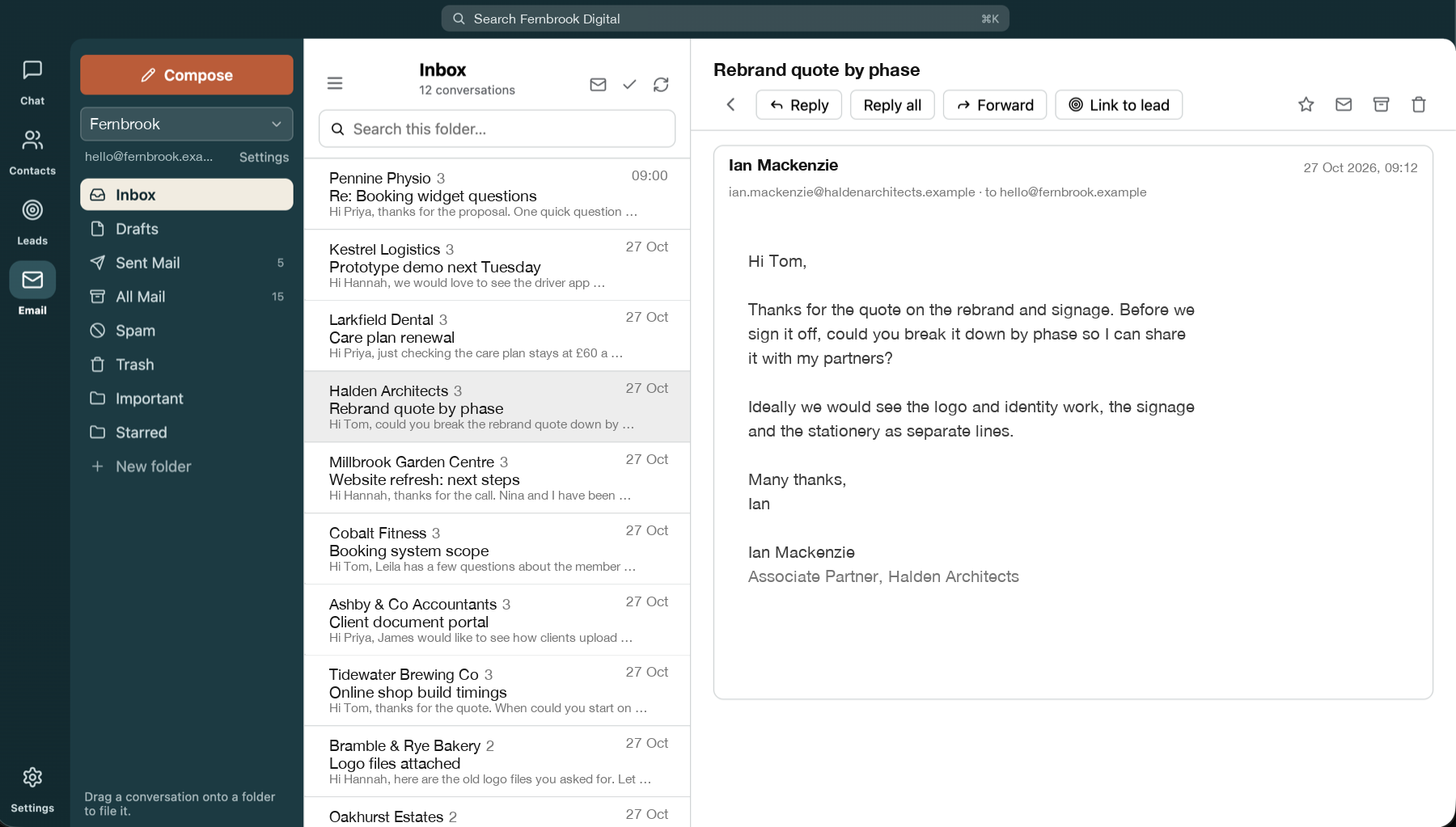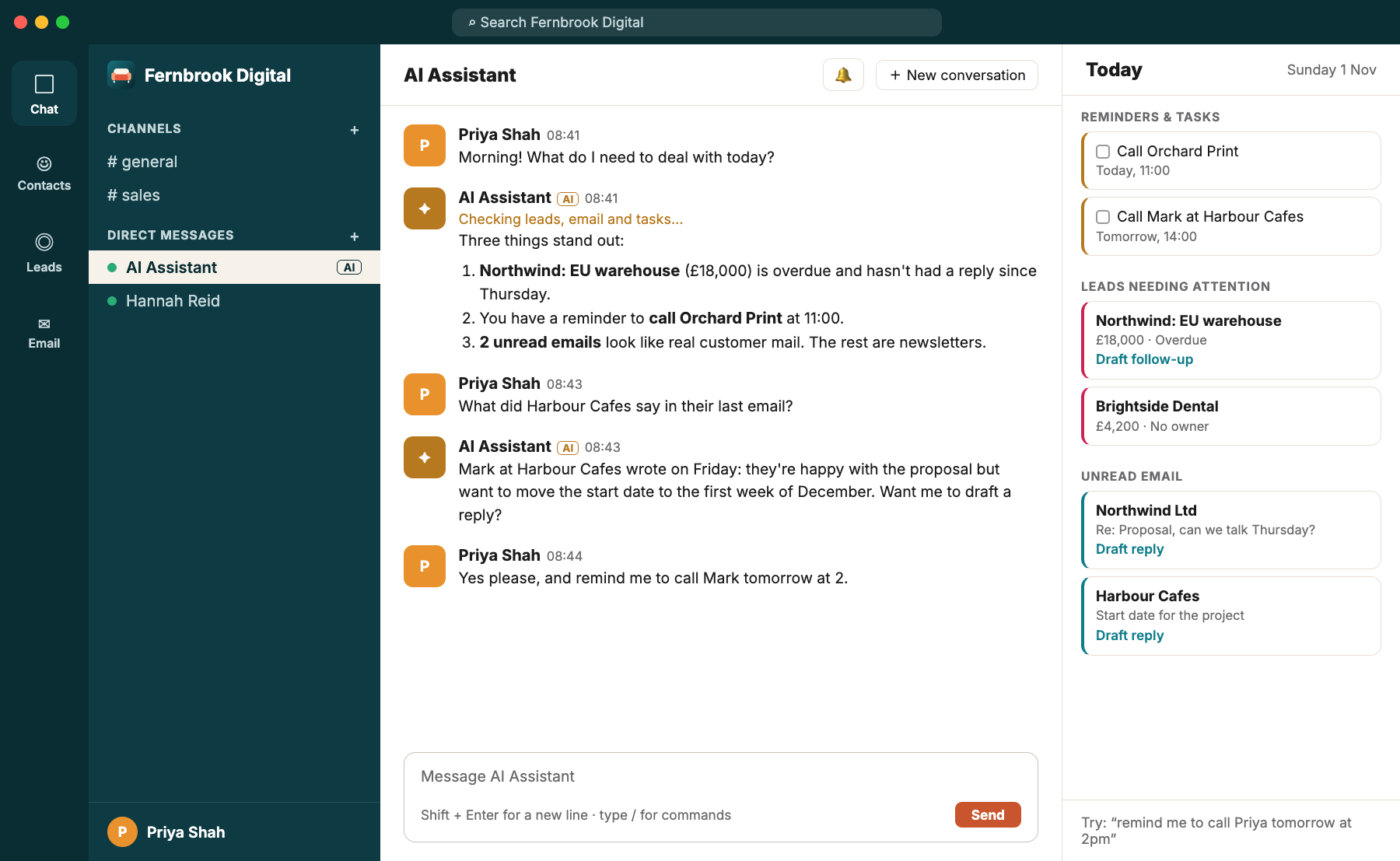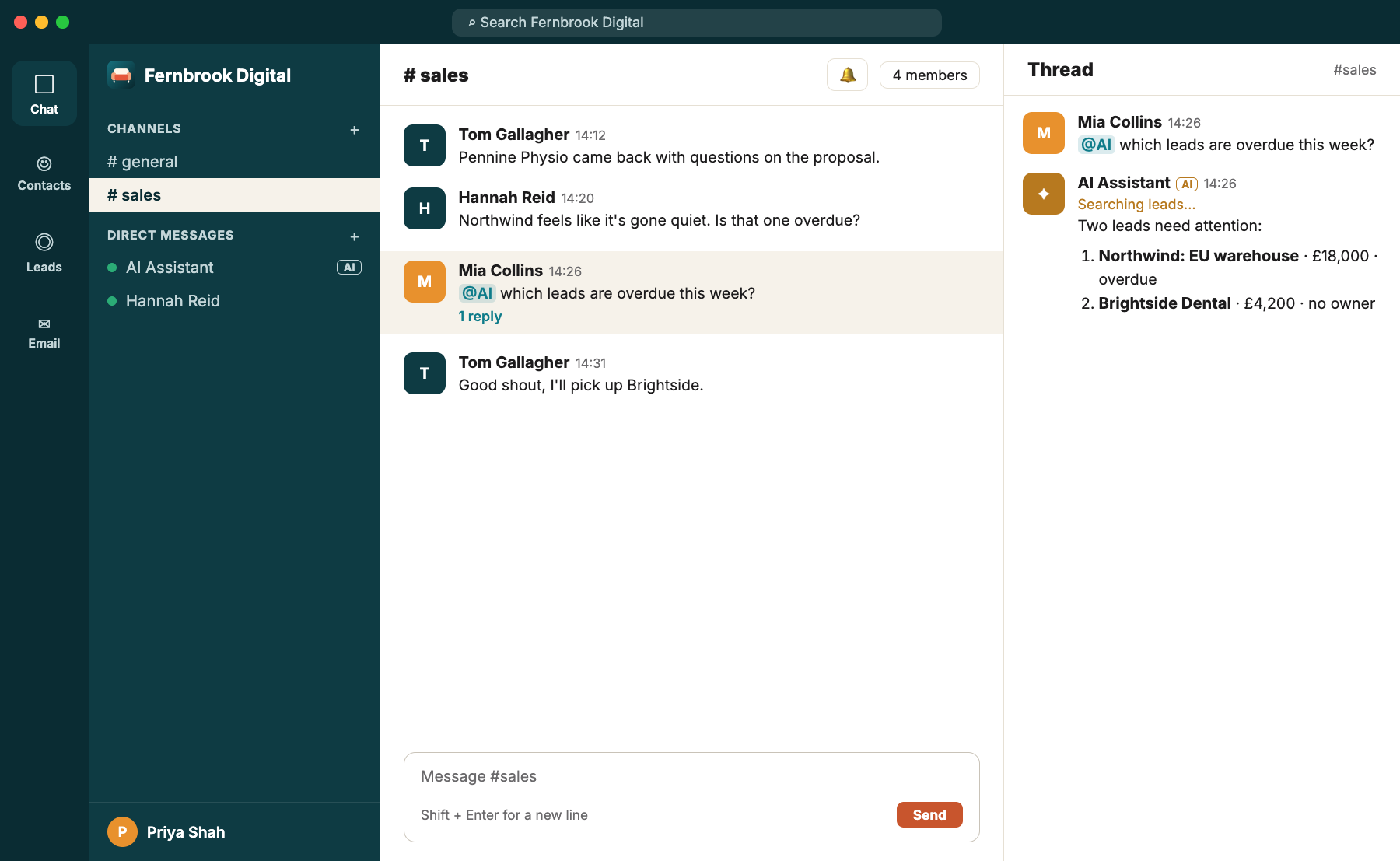
Sam is good at the first conversation. The quote goes out, everyone's happy, and then life gets in the way. Three days pass. Then ten. By the time Sam remembers, the customer has signed with somebody who simply asked again.
It isn't that Sam doesn't care. It's that following up is the first thing to slip when the day gets busy, and it's the thing that most reliably turns quotes into jobs.
A pipeline everyone can see
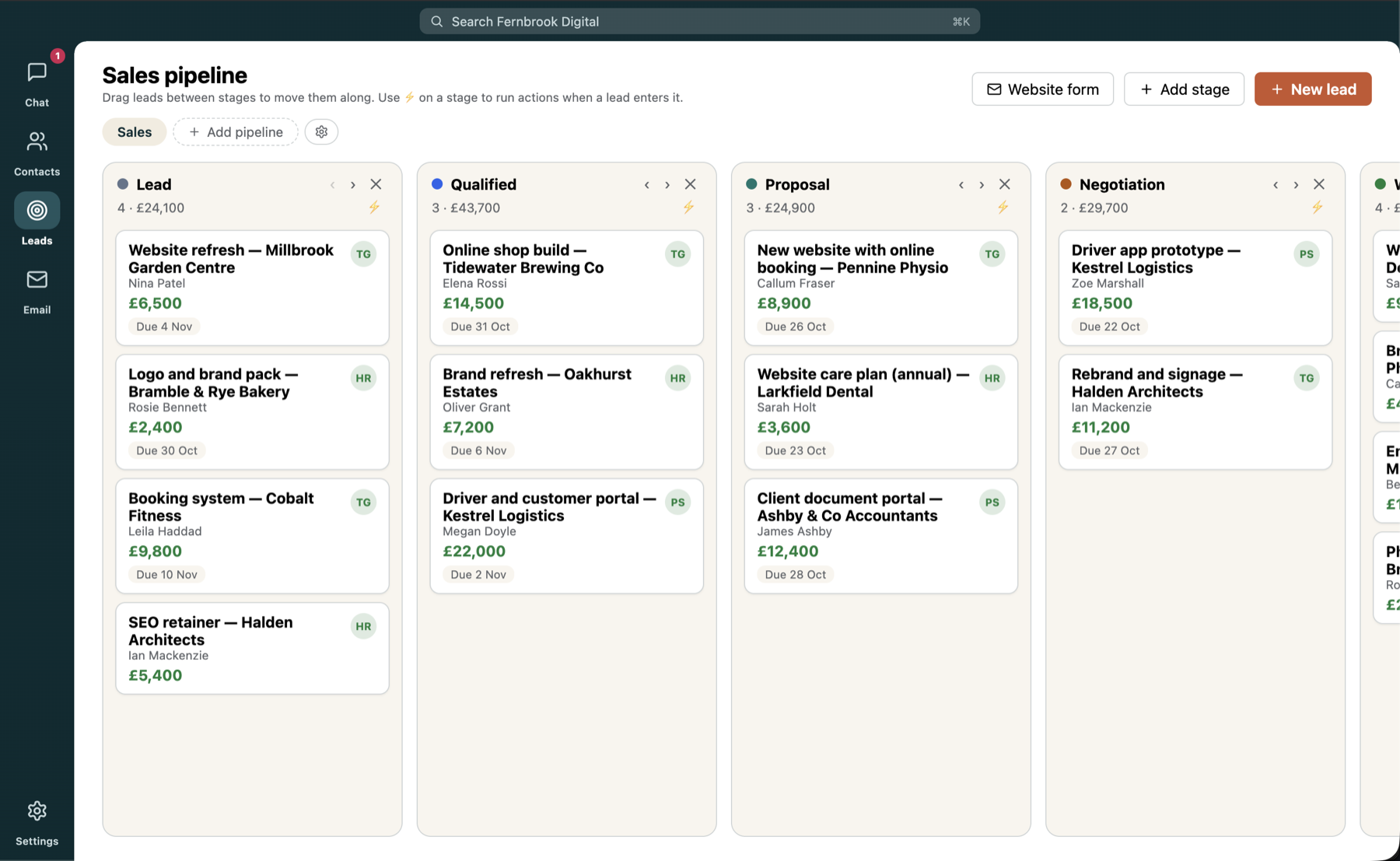
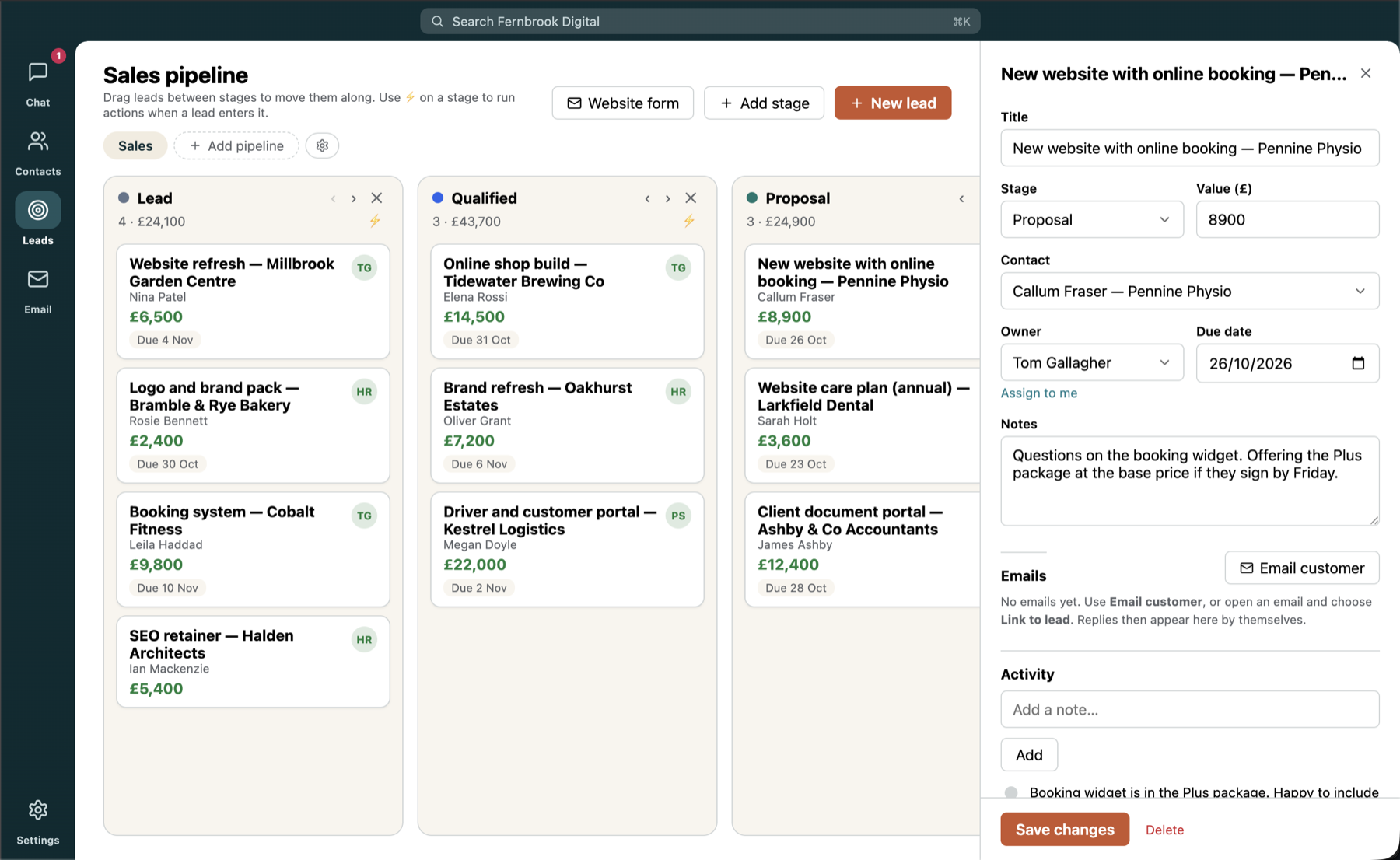
Couchwork's Leads is a drag-and-drop board with stages you define. Sales, Support, Projects: run as many pipelines as you need, name and colour the stages, and mark which ones count as won or lost. Leads have owners, values and due dates, so what's overdue is obvious at a glance.
Stages that do things
Drop a lead into a stage and Couchwork can act: send an email, post an alert to a channel, add a note or call a webhook. When a quote moves to Proposal, the contact gets their email and the sales channel gets a heads-up. Nobody has to remember. Emails go from the owner's own mailbox, so replies land where they should.
Now the good bit: follow-ups that do themselves
This is the feature Sam didn't know they needed. After Sam emails a lead's contact from Couchwork and the customer goes quiet, Couchwork notices. It reads the conversation, so it sounds like Sam rather than a robot, and it writes the follow-up.
Hi Sam,
Just checking you got the quote I sent over on Monday. Happy to talk through the options or tweak anything, so just say the word.
Thanks,
Tom
By default the draft is left ready on the lead for Sam to review and send in one click. For the truly lazy afternoon there's a send automatically switch.
"It's the only salesperson I've had who never forgets to chase."
It won't become a stalker
Sam's first worry was that it would pester people. It won't:
- Two nudges, then it lets go. A follow-up after 3 days of silence and another after 7 more. You choose the days.
- Polite hours only. Nothing goes out at 3am or on a Sunday.
- It stops when it should. The moment they reply, the lead is won or lost, or you pause it, the chasing ends.
- Sales pipelines only, so support customers aren't nudged about tickets.
- Prefer your own words? Use templates instead of AI. (They're also the fallback if the AI isn't available.)
Setting it up takes a minute
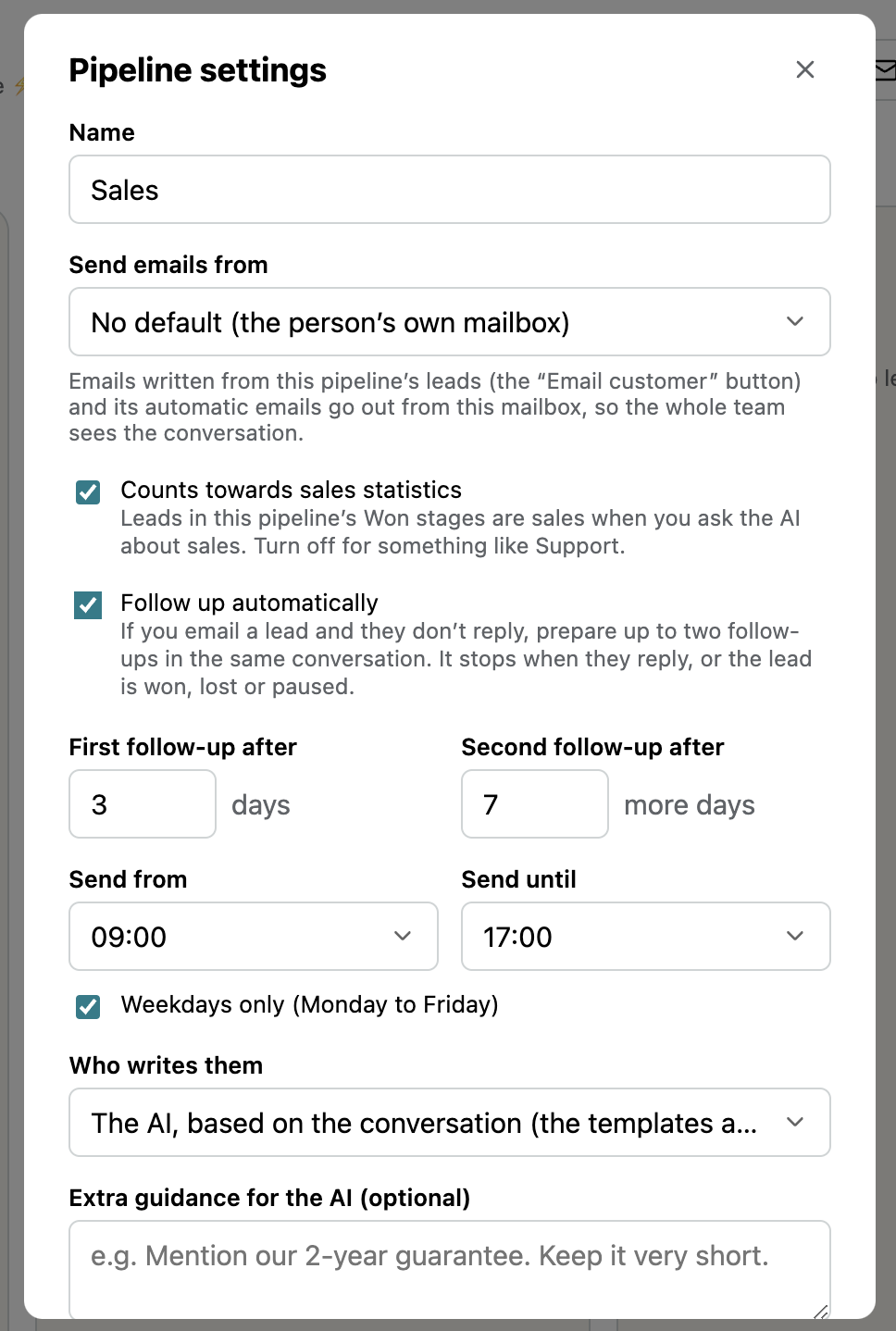
Follow-ups are off until you switch them on for a pipeline, so you decide where they apply. They work on emails you send to a lead's contact from Couchwork (or conversations you've linked to the lead), and only on pipelines that count towards sales. Writing them with AI needs the AI to be enabled by an admin. Open the pipeline's settings and you'll find everything on one screen:
- Tick Follow up automatically. If you email a lead and they don't reply, Couchwork prepares up to two follow-ups in the same conversation.
- Choose your timing. Set the first follow-up (3 days by default) and the second (7 more days).
- Set polite hours. Pick a Send from and Send until time, and keep Weekdays only ticked if you don't want anything going out at the weekend.
- Choose who writes them. Let the AI write each one from the conversation, or use your own templates.
- Add guidance if you like. The optional box lets you steer the AI, for example "Mention our 2-year guarantee" or "Keep it very short."
Choose Send emails from to pick the mailbox they go out of, so the whole team sees the conversation. And if the pipeline is something like Support, untick Counts towards sales statistics and leave follow-ups off.
A month later, Sam hadn't missed a single follow-up. Nothing else about the job had changed: it just no longer depended on remembering.
Want this for your team?
Couchwork is a self-hosted hub for chat, contacts, leads and email, with an AI assistant built in.