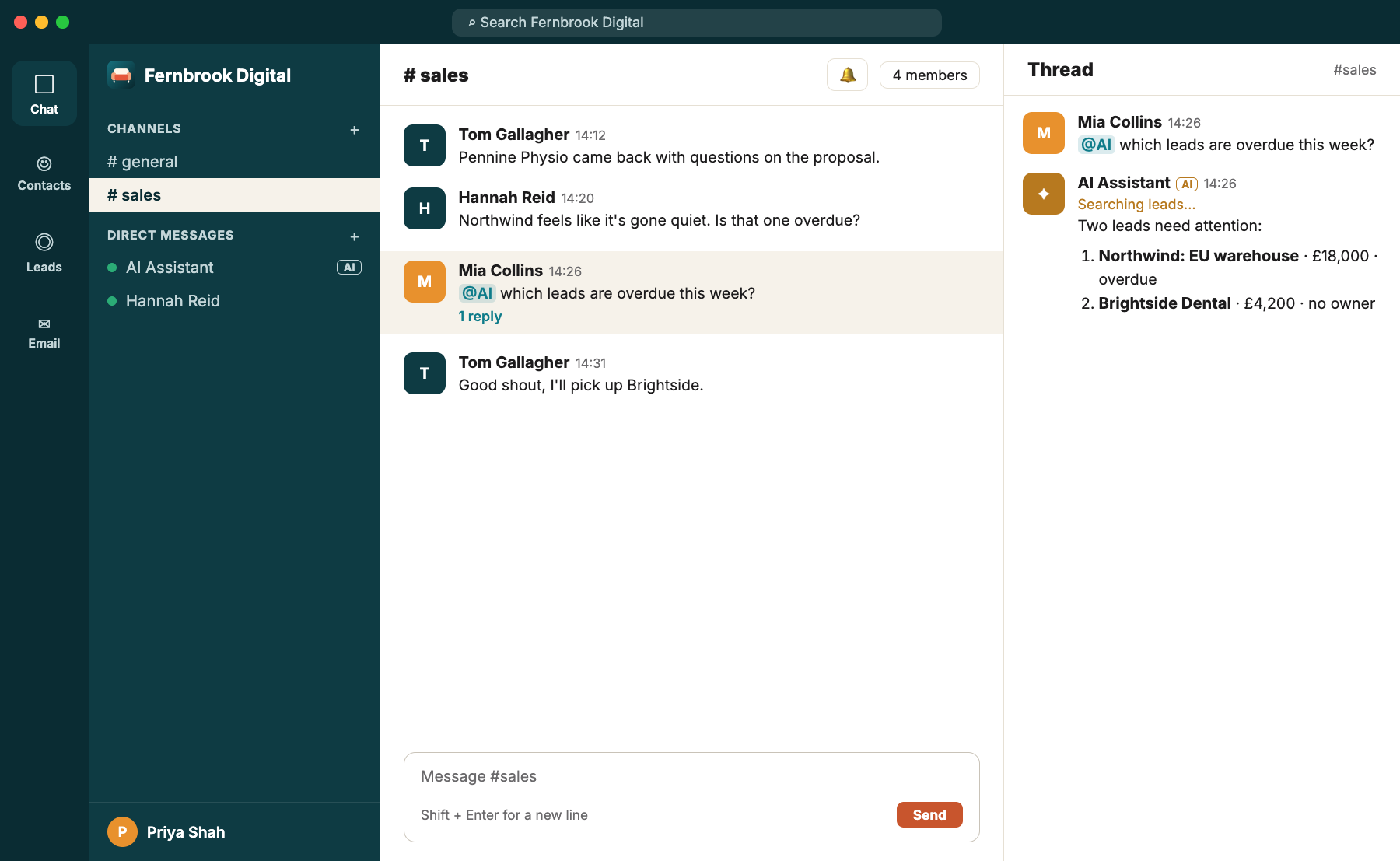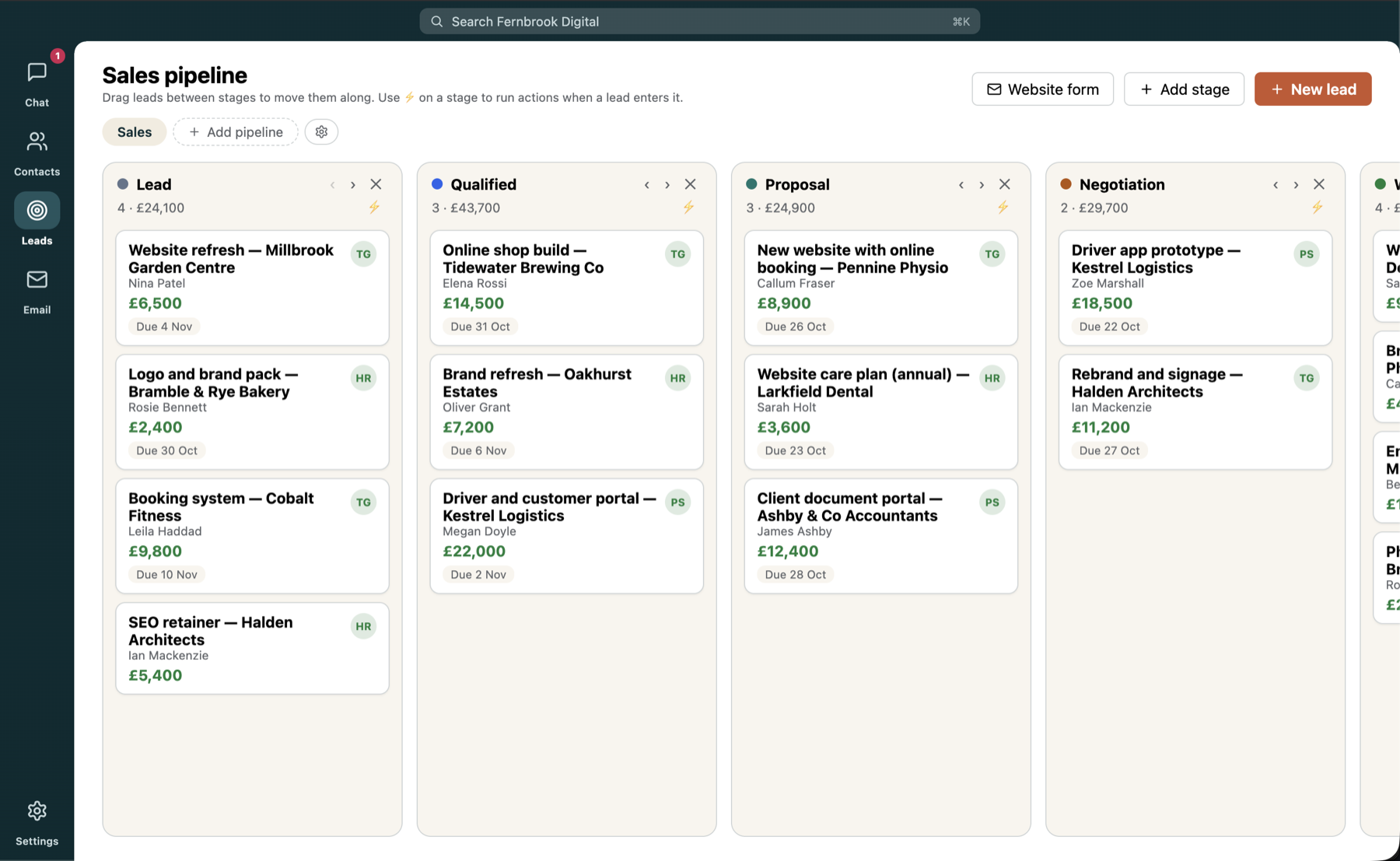
Monday, 8:40am. Priya has a coffee, forty unread emails and a nagging feeling that she's forgotten something. She doesn't open five apps. She opens one chat.
Your own line to the AI
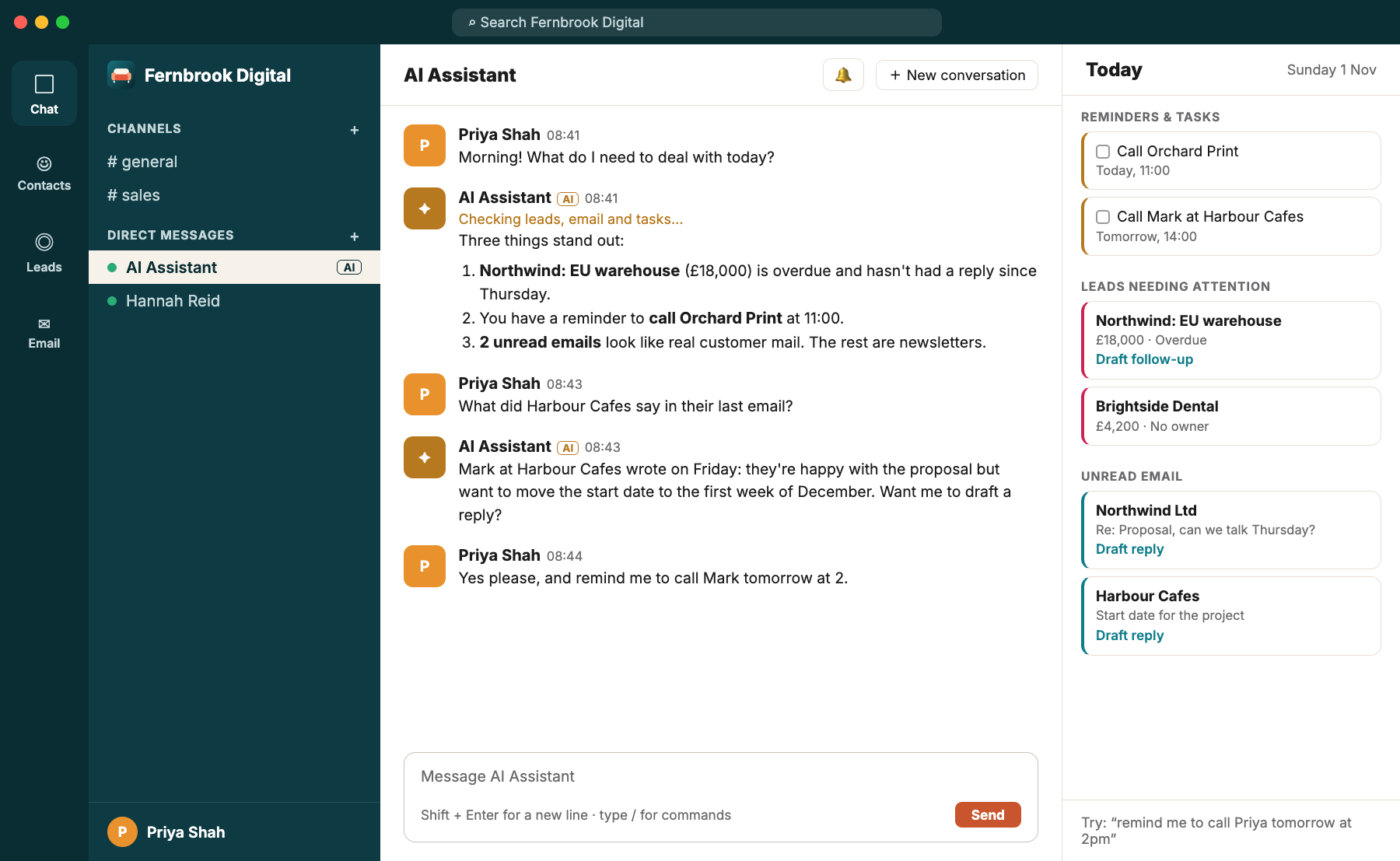
As well as calling @AI into team conversations, every person gets a private 1-2-1 chat with the assistant. It's a direct message between you and it, and it can look things up in your workspace: your leads, your contacts, your email, your tasks and reminders, for whichever of those your admin has switched on.
Three things stand out:
1. Northwind is overdue (£18,000) and hasn't had a reply since Thursday.
2. You have a reminder to call Orchard Print at 11:00.
3. 2 unread emails look like real customer mail. The rest are newsletters.
That's her whole morning in ten seconds, drawn from real data. No guessing, no digging.
Questions you'd normally dig for
Over the week, Priya found herself asking things she'd never have bothered to look up before:
- "What did Harbour Cafes say in their last email?"
- "Which leads have no owner?"
- "How are sales looking this month?" and the AI drew a bar chart she could download as a picture or a CSV.
- "Who are our top sales people?" Managers and admins see the whole team.
Update things by chatting
When something changes, you don't need to open a record. Priya typed "Change Mark's number to 07700 900123" and "Make Northwind worth £20,000 and give it to Hannah", and the AI updated the contact and the lead and replied with what had changed. If a name matches more than one person, it asks which one rather than guessing. Edits only happen in your private chat, never in a channel.
Tasks and reminders, by chat
There's no separate to-do app. Priya just said: "Remind me to call the supplier tomorrow at 2." It was added at once, and when 2pm came round the AI alerted her in the chat.
Beside the chat sits a Today panel: tasks, overdue and unassigned leads, and unread email in one list. From it she can draft a follow-up or a reply with one tap. Newsletters and promotions are filtered out, so real mail stands out. And if she ticks something by mistake, completed tasks stay visible for the day so it's easy to undo.
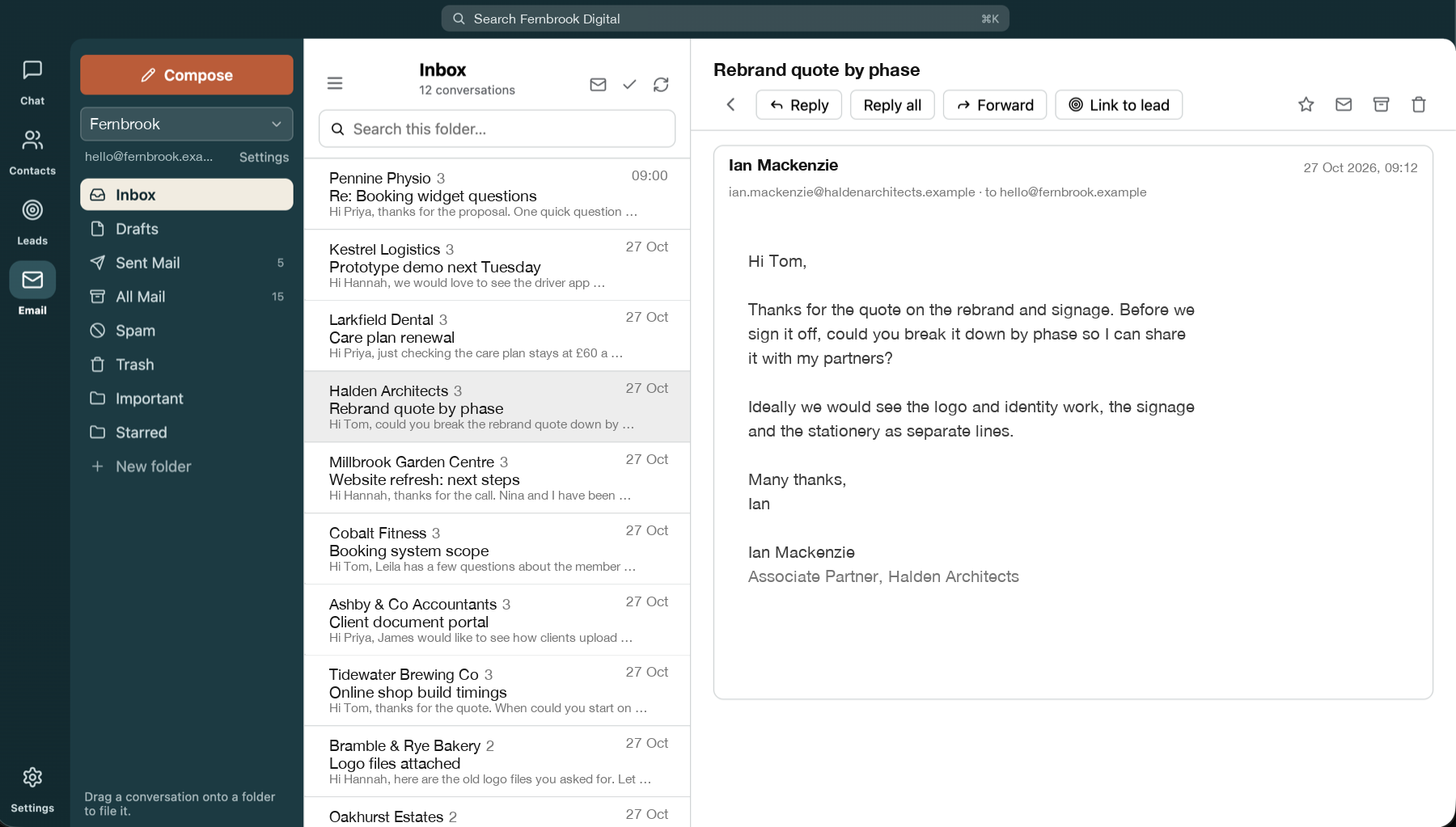
"I used to start the week with a list. Now I start it with a question."
Chat with your documents too
Upload a PDF, Word or text file, type /document in the AI chat and ask questions about it. Priya used it on a supplier contract: "What's the notice period?" Answered, with no scrolling through 14 pages.
You stay in control
The AI is off until an admin switches it on. They choose the provider (Anthropic, OpenAI, or Ollama running on your own machine) and decide separately whether it may use contacts, leads and email. Be aware that with a cloud provider, the details needed to answer a question are sent to that provider, while Ollama keeps everything local.
It also can't do much behind your back. It can't send email: it drafts, and you review and send. A new lead appears as a card you confirm. It never deletes anything and never moves a lead to another stage. It can update an existing contact or lead when you ask (a phone number, a job title, a deal value, who owns it), and it tells you exactly what changed. Every change to a lead is recorded in its activity log. It can also add a contact, and tick off or reschedule your own tasks and reminders.
Want this for your team?
Couchwork is a self-hosted hub for chat, contacts, leads and email, with an AI assistant built in.