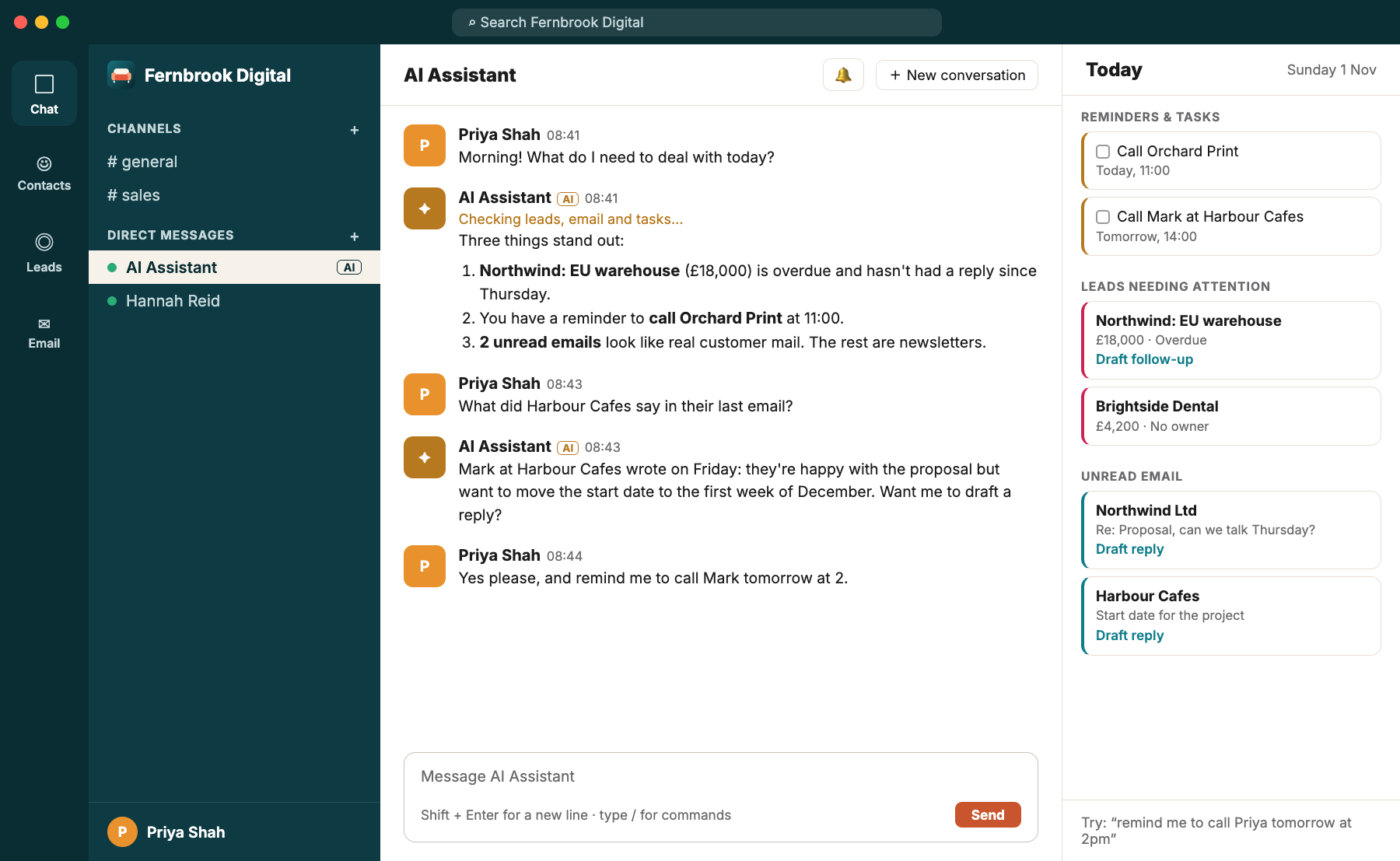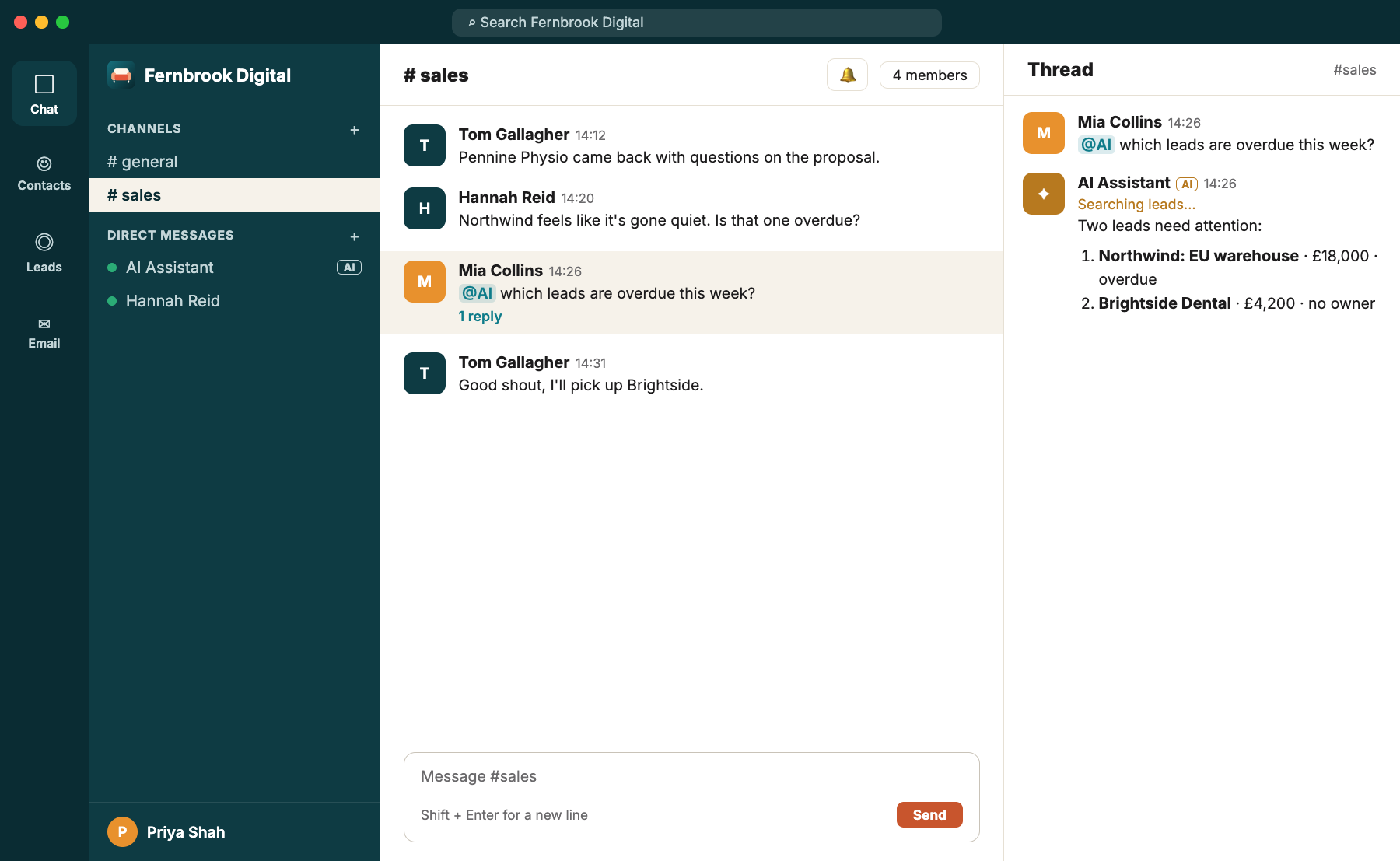
An email arrives from Northwind: "Thanks for sending this over. Could we find 20 minutes on Thursday to go through the delivery times?"
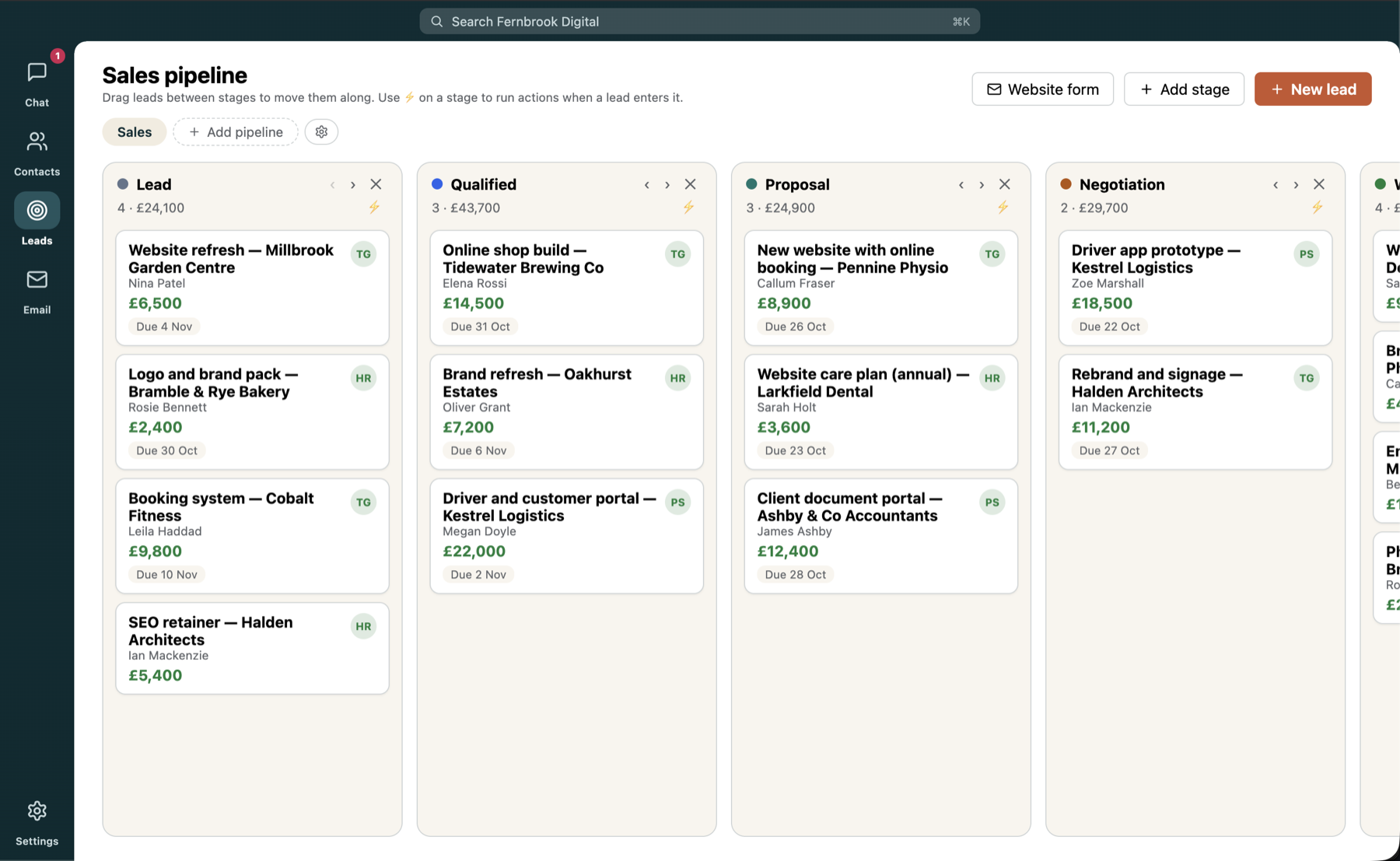
Quick question. Who is Northwind? What did you quote them? Who on your team spoke to them last? In most setups, the answers live in three different apps, and the email, the one thing you need to reply to, is in the fourth.
A real email client
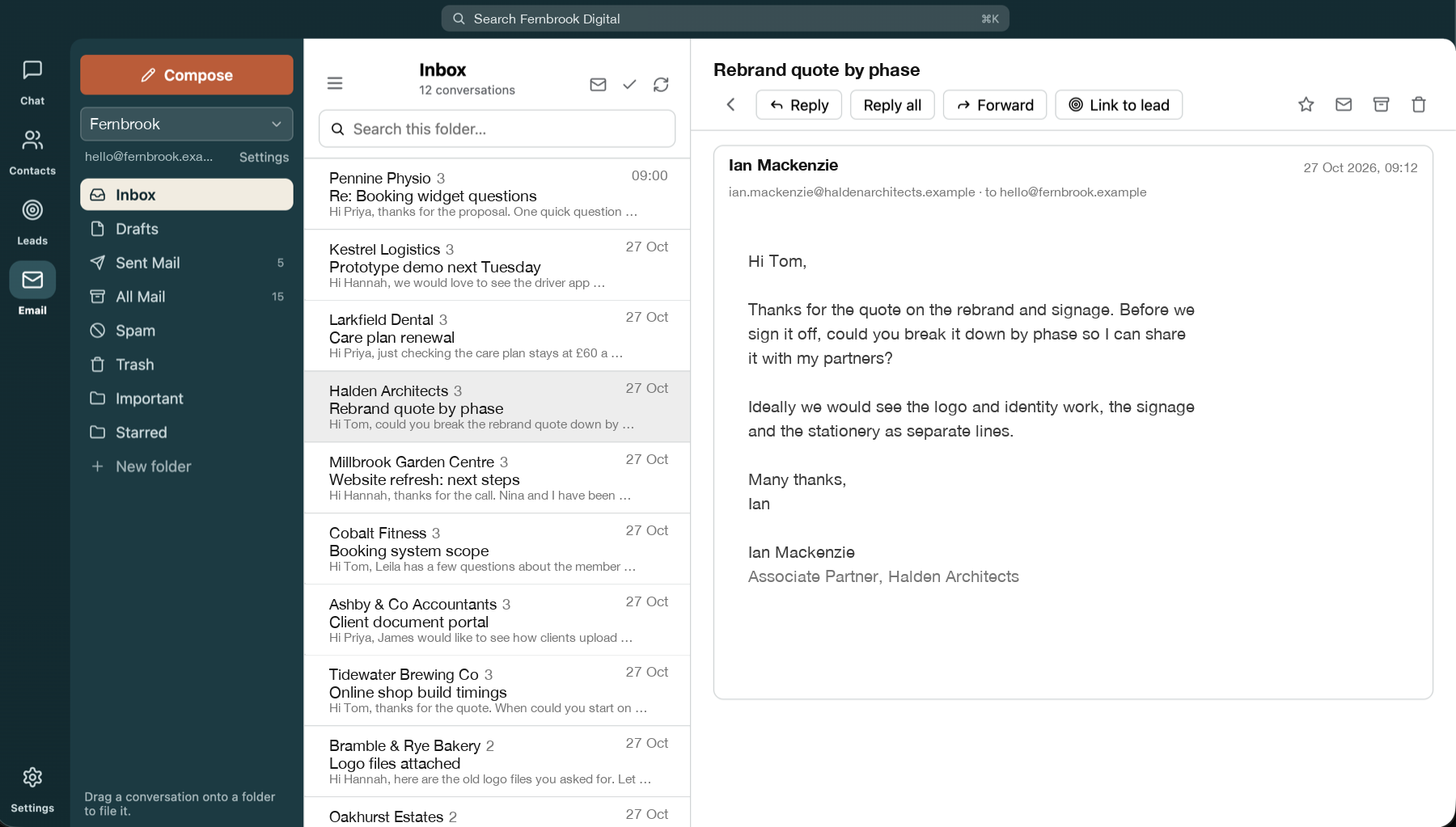
Couchwork connects to any IMAP/SMTP mailbox: Gmail, Microsoft 365, your host or your own server. It isn't a cut-down widget. You get threaded conversations, folders with drag and drop, search, attachments and an unread badge, with resizable columns for people who like things just so.
Yours, and the team's
Everyone can use their own mailbox. The team can also share one, such as sales@ or support@, with access you control. When Mia is on holiday, the enquiries to sales@ don't sit unread. Anyone with access can pick them up.
Link an email to a lead
This is the point of putting email in the same app. When a customer's email belongs to a deal, choose Link to lead and the conversation is attached to it. From then on, the email shows which leads it's linked to, and the lead shows the whole conversation, like a chat window with a reply box at the bottom. Replies from the customer appear there by themselves.
Going the other way, Email customer on a lead starts a message to the contact. It goes out from the owner's mailbox, or the pipeline's default one, and is already linked to the lead. So nothing gets lost in somebody's inbox.
And when you write an email, start typing a name in To, Cc or Bcc and Couchwork suggests people from your contacts, with their company alongside.
"I stopped asking what we last said to a customer, because the whole conversation now lives on the lead."
Safe to open
HTML email is cleaned and shown in a sandbox, and remote images stay blocked until you choose to show them. Tracking pixels don't get to say hello.
And the AI can help
If your admin has switched on AI access to email, you can ask it in your private chat to find a message or draft a reply, and you review and send the draft yourself. Marketing mail is filtered out of your Today list so real customer mail stands out.
Want this for your team?
Couchwork is a self-hosted hub for chat, contacts, leads and email, with an AI assistant built in.